

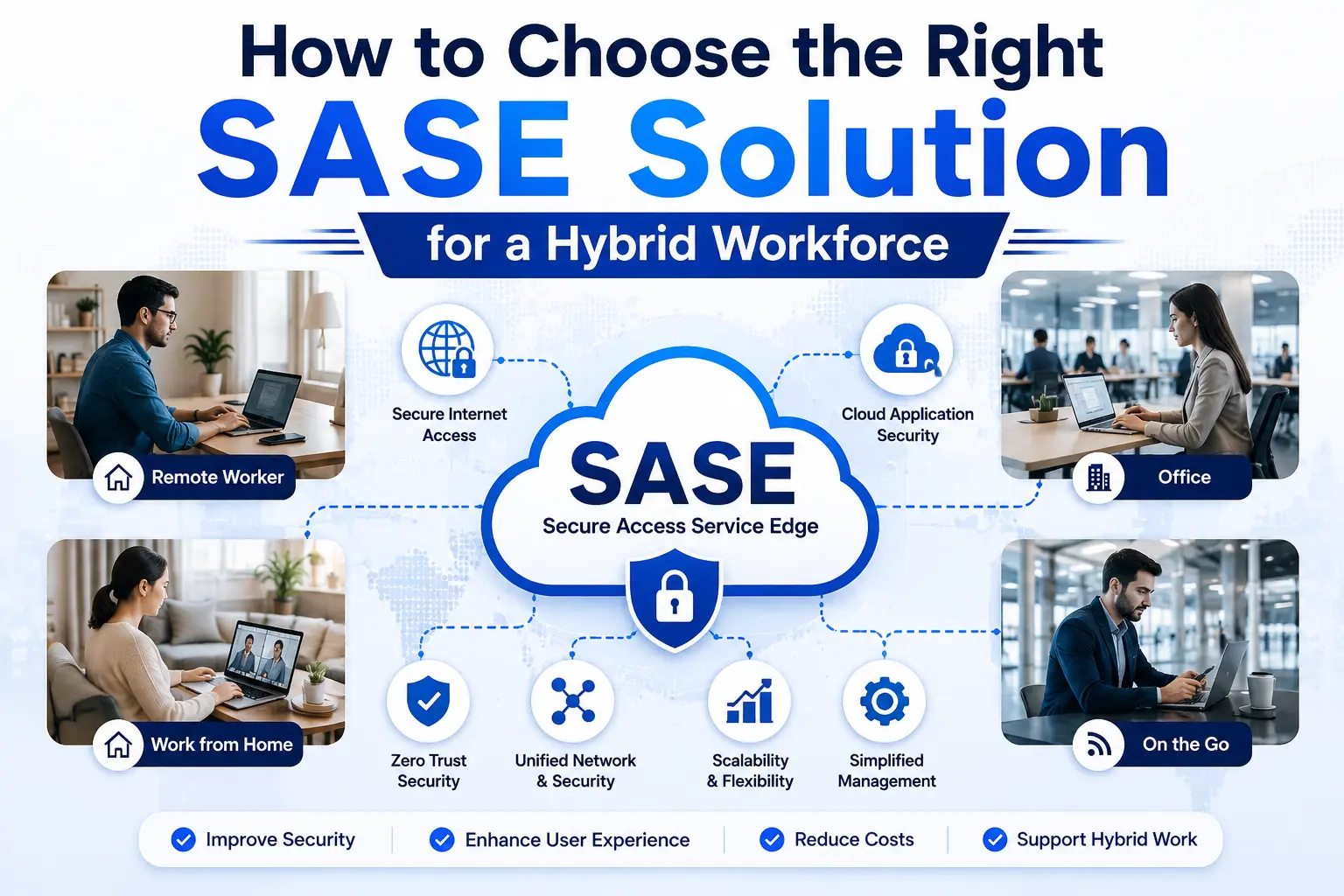
The hybrid working model, built out of necessity, has now become the norm. Companies around the globe are allowing employees to work as per their convenience, with the idea of getting more work done and removing the stress of regular travel.
But this shift has added a layer of security concern. When someone connects through a home network or uses public Wi-Fi, it exposes the business to numerous cyberthreats. This is where the need for the right SASE solution stems from.
It provides consistent, identity-aware access and data protection whether an employee connects from headquarters, a branch, home, or an unmanaged network. That’s why choosing the right vendor for your business proves
Tips to Choose the Right SASE Solution for Hybrid Workforce
The traditional security framework had limitations and failed to manage a workforce scattered across the globe. This is why businesses need advanced options like SASE solutions.
The actual outcome, one that you can experience, depends on the vendor you ultimately decide to work with. There are numerous companies offering such solutions, so here are some tips you can follow to make a knowledgeable decision.
Start With Access Patterns, Not Product Features
Hybrid work rarely follows a tidy architecture diagram. Some employees use managed laptops, contractors may connect from personal devices, developers reach cloud workloads, finance teams live in SaaS applications, and plant engineers sometimes need remote access to operational technology.
So, document those paths first:
- Which users need access to which applications?
- Are applications hosted in SaaS, public cloud, data centers, or OT networks?
- What changes when a device is unmanaged or has poor security posture?
- Where does regulated or commercially sensitive data move?
- Which connections can tolerate inspection latency, and which can’t?
This exercise exposes real requirements. A SASE procurement built around “remote access” alone may overlook branch connectivity, east-west traffic, privileged sessions, or data copied into unsanctioned AI services.
NIST’s zero-trust guidance makes the architectural point: network location shouldn’t confer implicit trust. And authentication and authorization should consider both the user and the device before a session reaches an enterprise resource.
Test the Policy Model Before the Network
Can the platform express one access policy across remote users, branches, cloud applications, and private resources? That’s the question you must put near the top of the evaluation sheet.
Plenty of systems can block a known malicious domain. The harder test is contextual: allow a payroll employee on a compliant corporate device to open a finance application, restrict downloads on an unmanaged device, and deny the session if identity risk changes halfway through. Many security vendors also discuss how adaptive access decisions work in practice, particularly when user identity and device posture change during an active session.
CISA describes zero trust as granular, least-privilege access based on users, systems, data, and assets rather than location. Its maturity model also treats visibility, automation, and governance as cross-cutting capabilities, not optional extras.
That’s why, during a proof of concept, test policy changes across five awkward cases:
- A user changes networks during an active session.
- A device falls out of compliance.
- An identity provider becomes unavailable.
- A contractor needs temporary access to one private application.
- An employee uploads confidential material to an unapproved cloud service.
Measure the User Path, Including the Bad Days
A common mistake is accepting the test results of ideal conditions as the ‘whole truth’. Security teams, or group testing on behalf of vendors, present results from ideal conditions, but real users don’t work there.
Therefore, to get the actual understanding, test from locations where employees actually sit, including regions with weaker broadband or long routes to cloud applications.
After that, measure connection setup, DNS response, web browsing, video calls, large file transfers, and private application access. Then repeat the tests with TLS inspection and active data controls.
Also, pay close attention to the platform’s points of presence, traffic steering, and failover behavior. If a service node fails, does traffic move cleanly? What happens to an existing session? A five-minute interruption may look minor on a monthly availability chart and still derail a customer call.
Look Beyond Web and Application Access
A hybrid workforce moves data, not merely sessions. That’s why your assessment of a reliable SASE solution for enterprises must look beyond web and application access and dive deeper.
It must also examine what happens to sensitive information after a session begins, including how data is copied, modified, uploaded, shared, or moved to an unmanaged device.
Test these controls against ordinary user behavior rather than demonstration files prepared for the assessment. The aim here is to learn whether protection remains effective when the format, destination, device condition, or transfer method changes. The SASE architecture should support contextual decisions based on the user, device, application, content, and action being attempted, rather than relying solely on keywords or file labels.
The AI applications deserve specific attention. They’ve introduced another route through which confidential information can leave the organization, sometimes through well-intentioned employees trying to work faster. Therefore, it is important to assess whether the platform can identify unsanctioned AI services, restrict sensitive prompts and uploads, and preserve enough context for subsequent investigation without stopping approved use.
Check Integration With Firewalls, the SOC, and OT
A SASE deployment shouldn’t create a separate policy environment that network and security teams must reconcile manually.
During evaluation, compare access rules, security objects, inspection profiles, exceptions, and logging across the SASE service and the existing firewall estate. Check how quickly policy changes are distributed, how conflicts are identified, and whether the same rule produces consistent results for branch, remote, cloud, and data-center traffic.
Small discrepancies here can become access gaps that will waste hours during an incident review.
SOC integration also requires a practical test. That’s why ask an analyst to investigate a suspicious remote session from beginning to end. The analyst should be able to connect the identity event, device condition, network activity, application access, policy decision, and subsequent data movement without manually assembling several unrelated timelines.
Alert delivery alone isn’t enough. Logs should contain the context required to answer basic investigative questions: who connected, from which device, what changed during the session, which resources were accessed, what data moved, and which control initiates containment.
During this, also test whether response actions, such as terminating a session or isolating a device, can be performed quickly and recorded for audit purposes.
OT access needs separate evaluation because industrial environments have different availability, protocol, and patching constraints. A maintenance engineer may require temporary access to a particular asset, but a valid identity shouldn’t provide broad reach into the production network.
Assessment criteria should include asset visibility, network segmentation, protocol awareness, session monitoring, approval workflows, and rapid revocation of third-party access.
Moreover, test what happens when cloud connectivity is interrupted as well. In an industrial setting, a security control that depends entirely on continuous external connectivity may introduce an operational risk of its own.
Price the Operating Model, Not Just the Subscription
Licensing can obscure the real cost. That’s why I understand the charges associated with each user, device, bandwidth, site, feature, log volume, or support tier, alongside model growth, seasonal contractors, acquisitions, and extra retention.
Then count the human work:
- How many consoles will teams operate?
- How long does policy deployment take?
- Can network and security teams use shared objects?
- Are investigations exportable and audit-ready?
- What happens when the service is unreachable?
- Can the enterprise leave without rebuilding every policy?
So, a mid-size financial services firm moving to hybrid cloud may accept a higher subscription cost if it removes duplicated gateways and shrinks investigation time. Similarly, another organization may value local enforcement because factories can’t depend on continuous cloud connectivity. There isn’t one clean answer.
Make the Decision Against Business Failure
The best SASE solution isn’t the one with the longest feature list. It’s the one that keeps access narrow, data controlled, applications usable, and investigations intelligible when identities, devices, networks, or cloud services behave badly.
So, choose against failure scenarios. If the architecture still protects critical work when a laptop is compromised, a connection degrades, or a privileged session turns suspicious, the business case is probably sound.